Focus. Rest.
Repeat.
Focus Rings is a work timer built around rings. Start a session, watch the ring close, take a break. iCloud keeps every device in sync.
No screen switching
Almost everything runs on a gesture, a shortcut or a notification.
- 1
Pick a mode
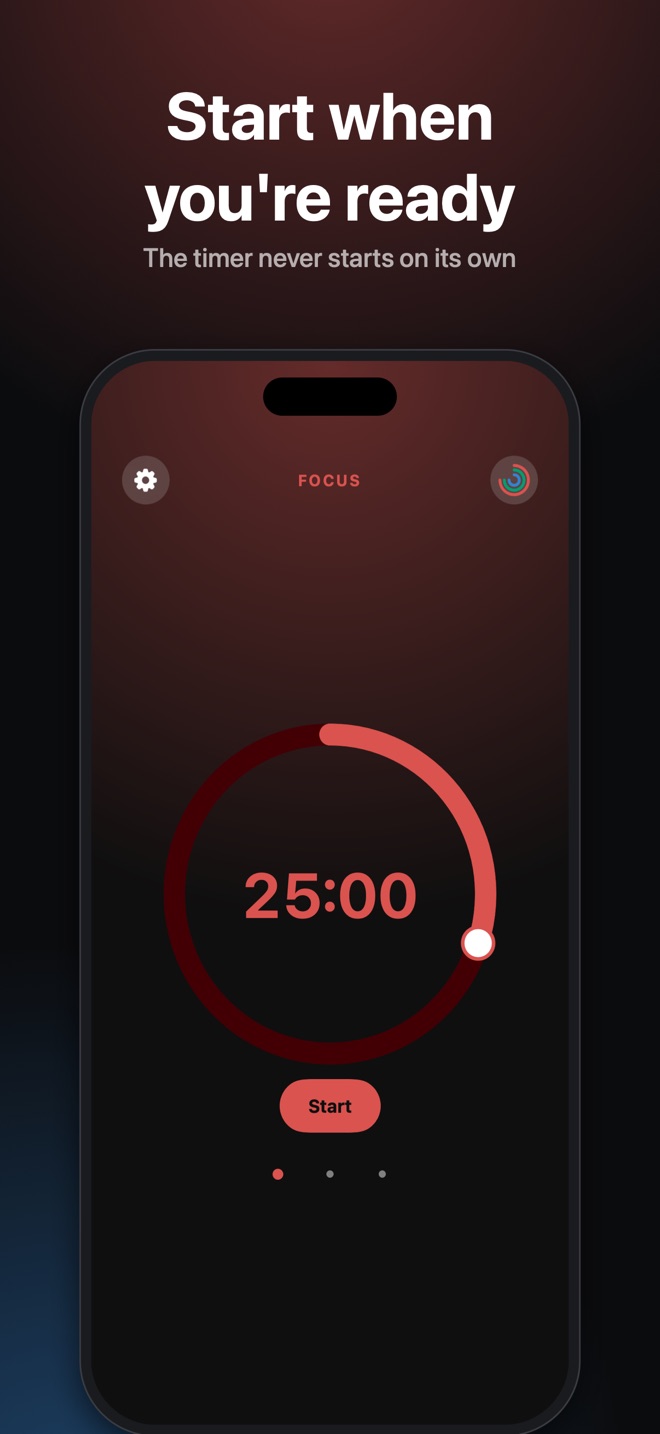
Focus, break or long break. One tap on the dot under the ring.
- 2
Set the time with the ring
Slide your finger or cursor around the edge, or turn the Digital Crown on your watch.
- 3
Work
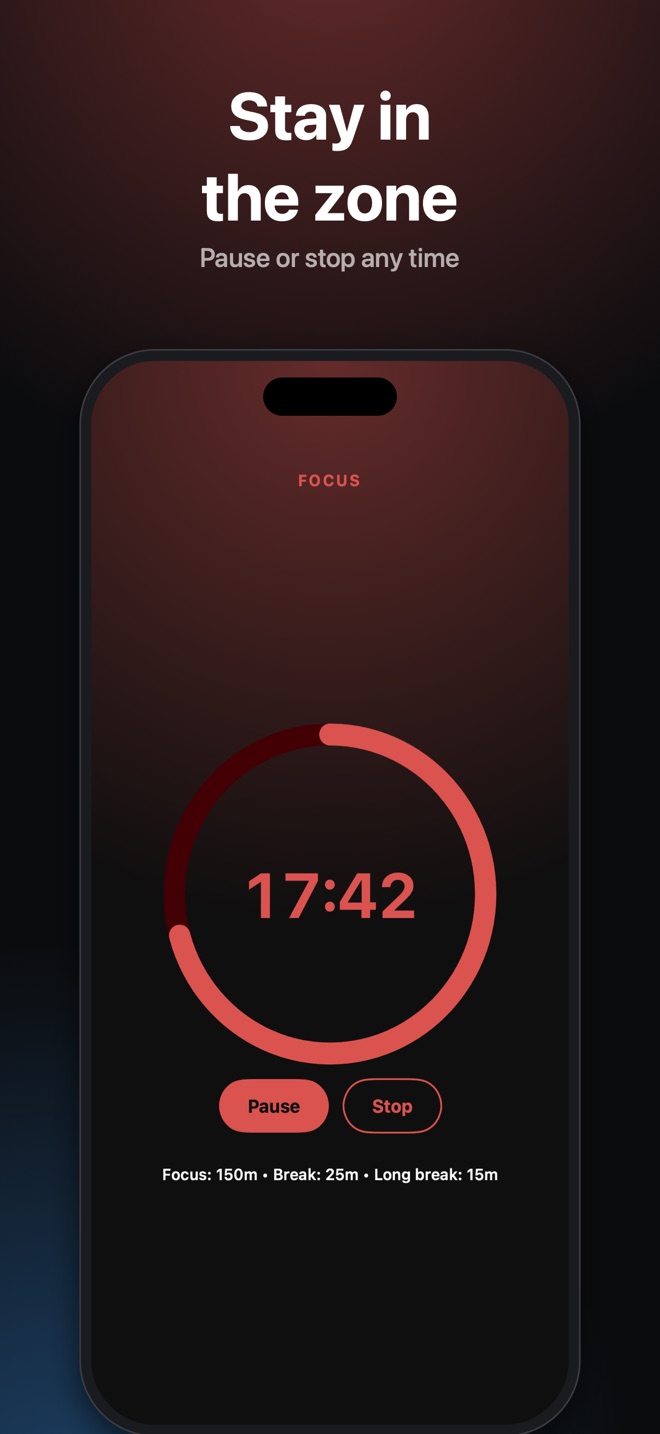
The ring shrinks, the background shifts color, a notification fires when time is up.
- 4
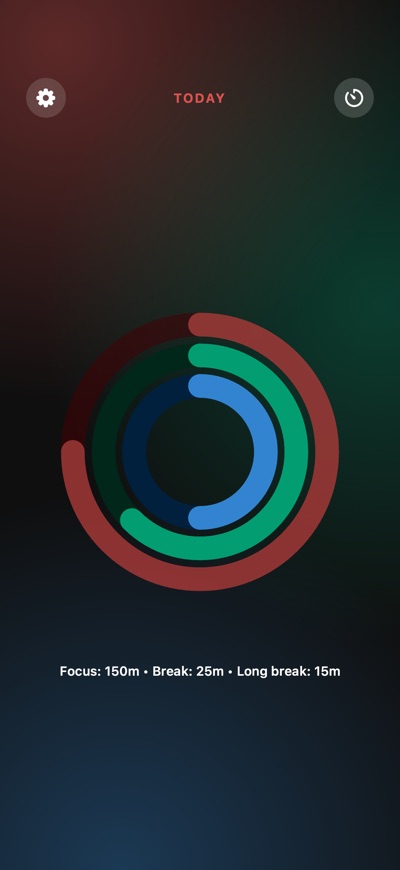
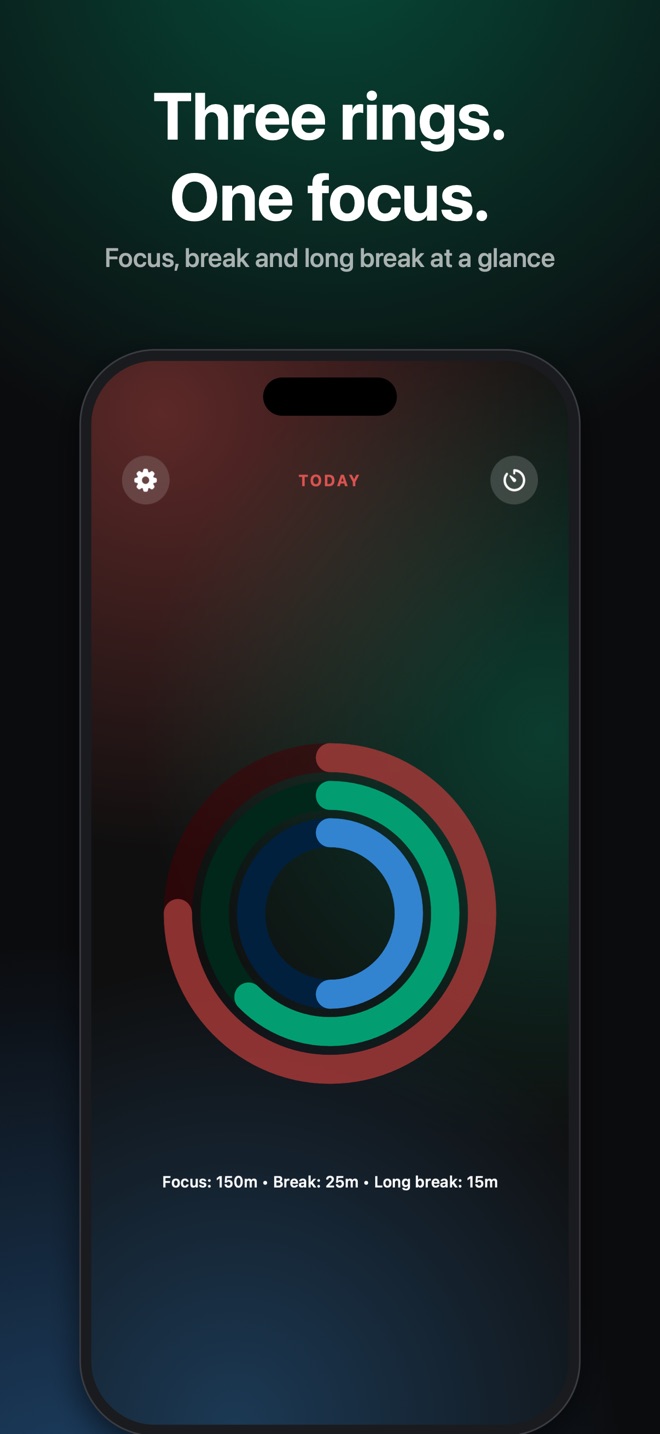
Watch your day
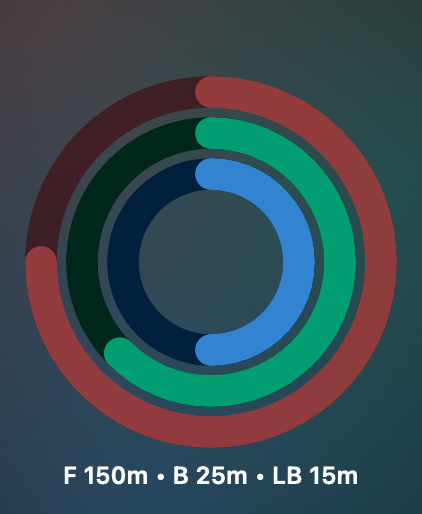
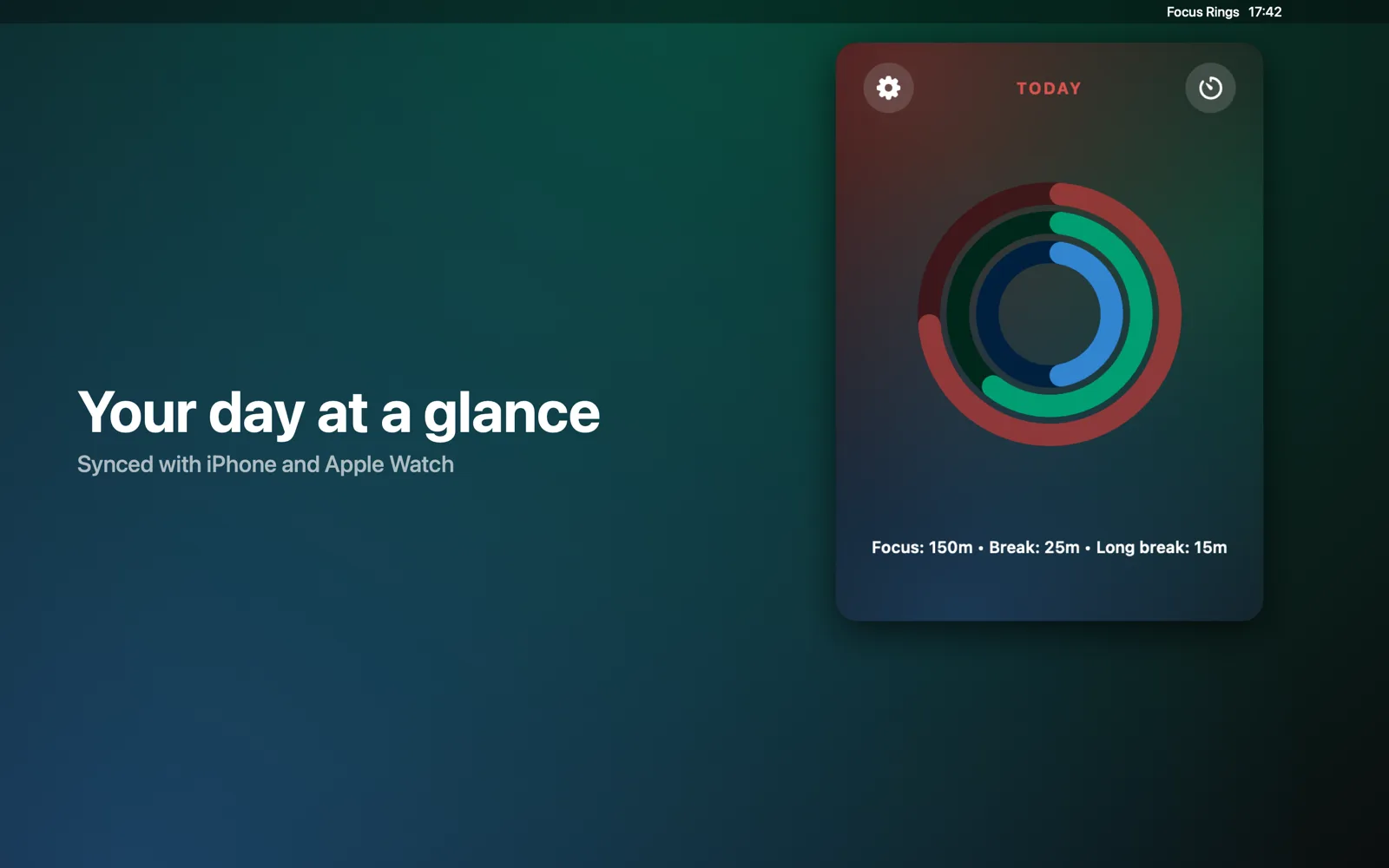
Three daily rings show your focus and break progress against your goals.
The same ritual, on every screen
Start on iPhone, glance at your wrist, finish on Mac. Your rings match everywhere.
iPhone
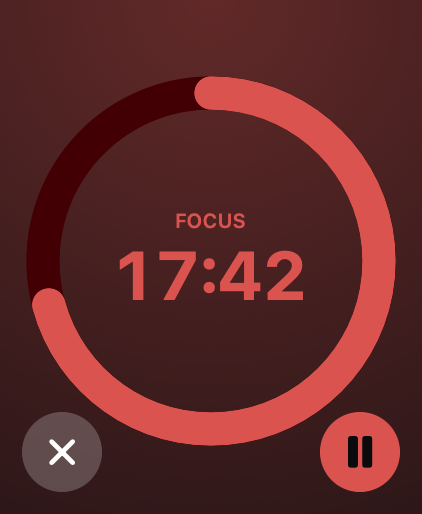
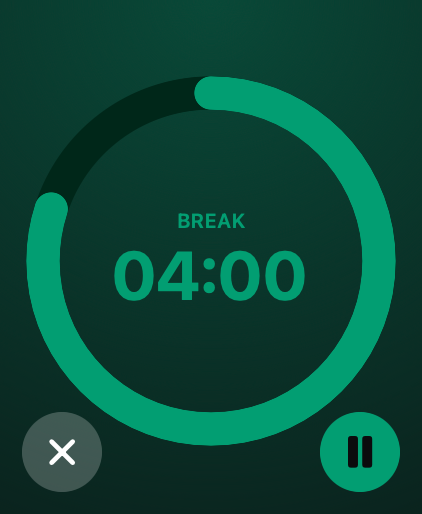
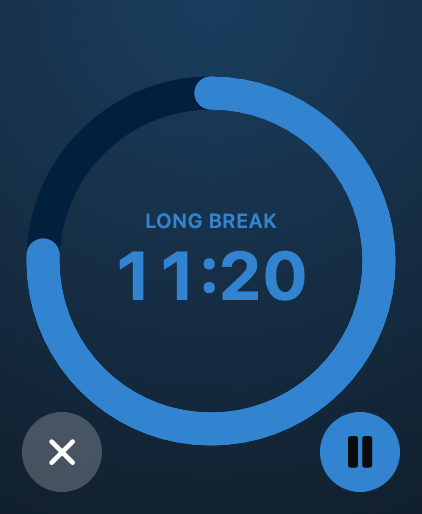
On your wrist
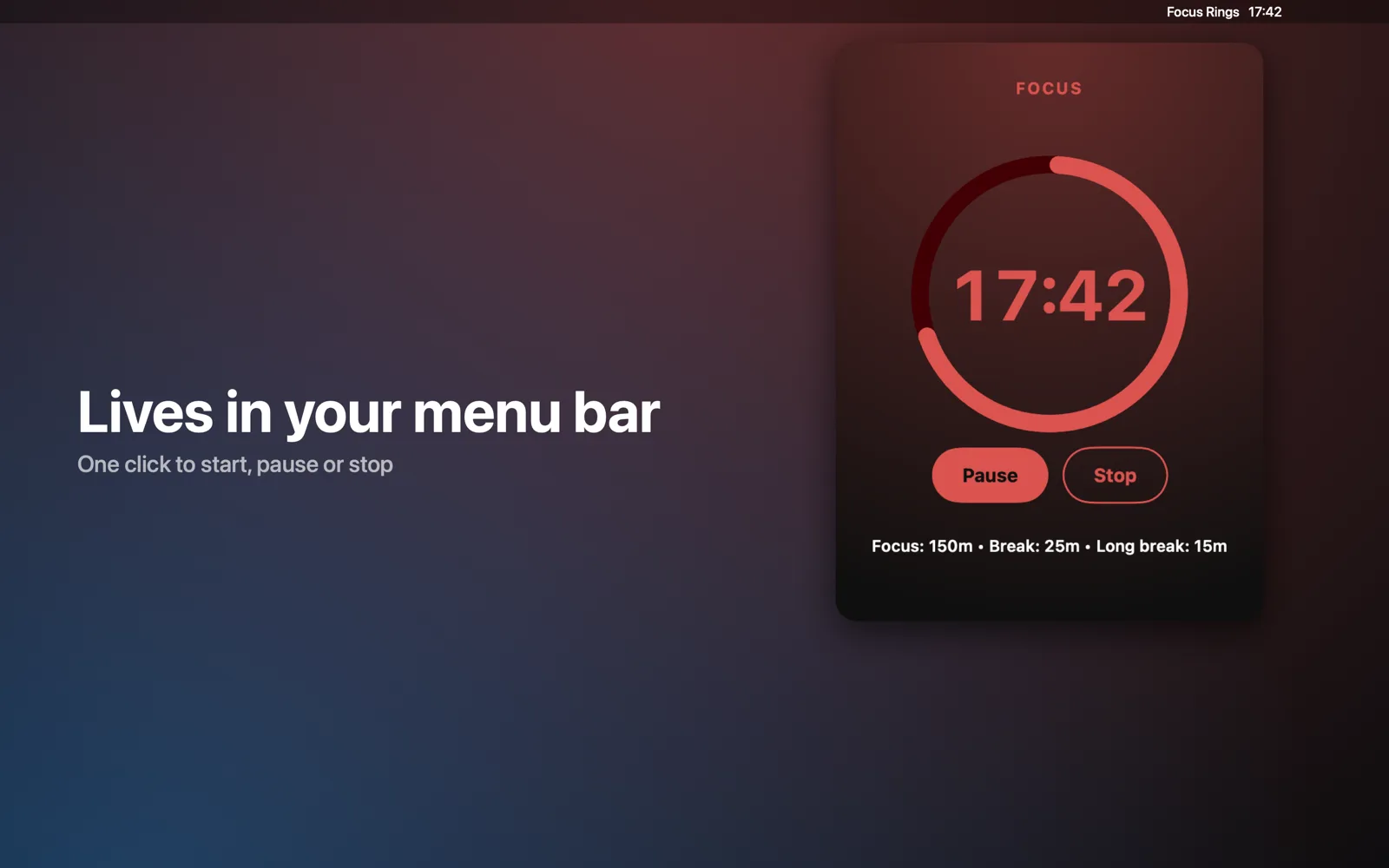
Lives in your menu bar
One click to start, pause or stop a session. The time sits in your menu bar, and progress syncs with iPhone and Apple Watch through iCloud.
Features for work without distractions
Rings that show your day
Every completed session fills your ring. Skipped ones never count, so your rings stay honest.
Never starts on its own
You decide when each session begins. When one ends, the timer waits for Start.
iPhone, Watch and Mac
Start on one device, check on another. Synced through your own iCloud.
Live Activity & widgets
Dynamic Island, Lock Screen, a Home Screen widget and a complication on your watch.
Siri & Shortcuts
Start, pause and stop hands-free: by voice, a Shortcut or the Action button.
Private by design
No account, no ads, no tracking. Your data lives only in your private iCloud.
I left everything else out on purpose.
Focus Rings does one thing: it times your work and shows it as rings. Nothing here asks for your attention.
- Dashboards & statisticsOne daily ring is all the progress you need.
- Streaks & guiltMiss a day. Nothing breaks.
- Challenges & leaderboardsYou're not competing with anyone.
- Badges & achievementsNo trophies for doing your job.
- Guided meditationsA timer, not a wellness program.
- Ambient soundsSilence is the default.
- Accounts & sign-upOpen it and start. Your data lives in your iCloud.
- Ads & subscriptionsOne purchase. That's the whole business model.
- Task lists & projectsYou already know what to work on.
- Auto-startA timer that starts itself isn't yours.
Color tells you what you are doing
Focus
Warm red: deep work time.
Break
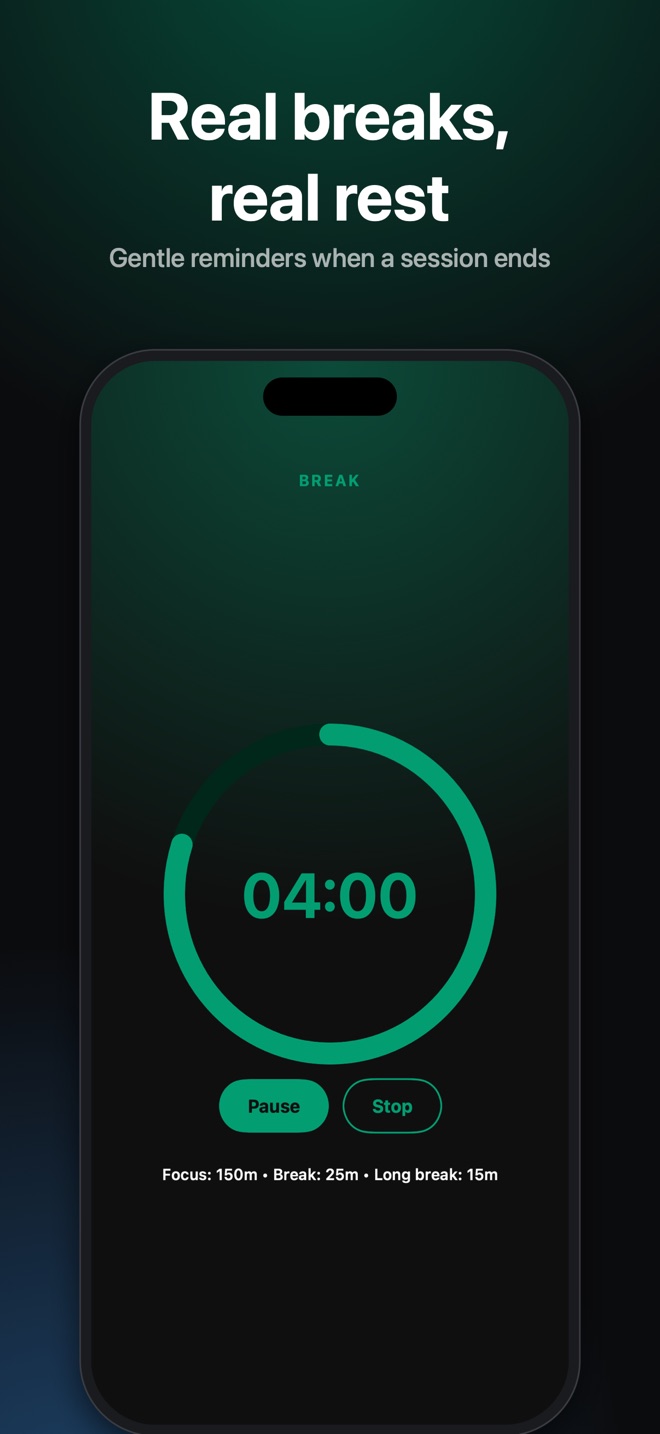
Cool green: a short breath between sessions.
Long break
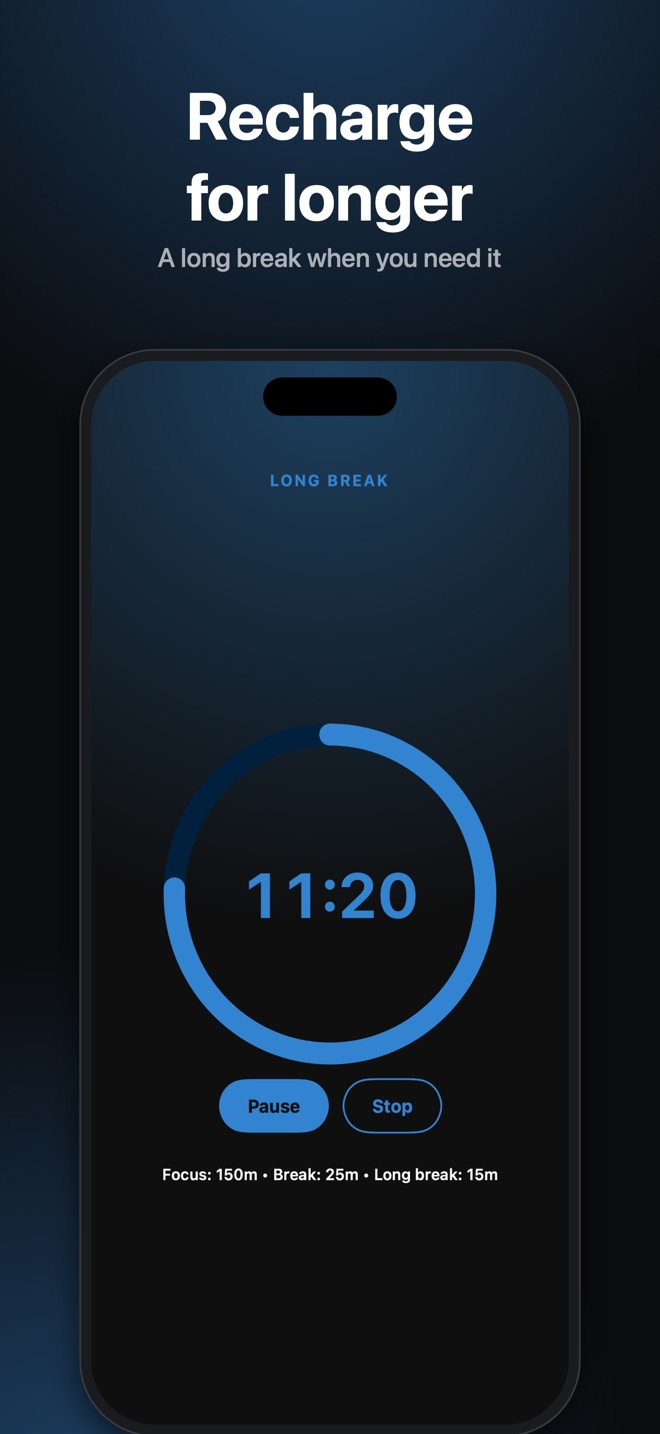
Deep blue: a full reset after four cycles.
How it differs from a plain Pomodoro app
One purchase. No subscription.
Pay once and get Focus Rings on all your Apple devices.
- iPhone, Apple Watch and Mac in one purchase
- iCloud sync
- Live Activity, widgets and complication
- Siri & Shortcuts
- No ads, no account, no tracking
Frequently asked questions
Do I need to buy the app for every device?
No. A single purchase covers iPhone, Apple Watch and Mac.
What happens if I start a session on my iPhone but only have my watch with me?
Apple Watch instantly shows the same shrinking ring. You can pause or stop the session right from there.
Can I change the session length?
Yes. Drag around the ring or turn the Digital Crown: Focus 10–60 min, Break 5–15 min, Long break 15–30 min.
Does the app collect my data?
No. There is no account, no analytics and no ads. Settings and daily stats stay on your devices and in your private iCloud.
Why no stats, streaks or badges?
Because they pull attention away from the work. Focus Rings keeps one signal: your daily rings. I left everything else out so the timer stays a timer.
Have a question or an idea?
Get in touch. I’m happy to help and hear how Focus Rings could be better.
Send a message